Radiator Screens for Pine Straw
Pine straw looks harmless until it packs against an ATV or UTV radiator and blocks the airflow your machine needs to stay cool. On Mississippi trails, dry needles, leaves, dust, and mud can build up quickly. This guide explains what a radiator screen does, how to choose and clean one, and how to spot overheating before a small problem ends your ride.
Why Pine Straw Can Cause Trouble
How debris reaches the radiator
Many ATVs and UTVs draw air through openings at the front or sides of the machine and across the radiator. Pine needles can slip through those openings, while leaves and grass may collect on the outer surface. Dust and damp debris can make the buildup denser, especially when you travel through several different kinds of trail in one outing.
In Mississippi, a route through pine woods can mean more than just needles. You might ride through sandy stretches, cross a muddy patch, then follow a leaf-covered trail. Each kind of debris behaves differently: dry pine straw tends to tangle, while wet leaves and mud can form a layer that restricts airflow. A ride that starts with a clear radiator can end with debris pressed firmly against it.
The risk depends on your machine’s radiator position, the weather, the trail, and how quickly you notice the buildup. A screen can catch some debris before it reaches the radiator, but it does not make the cooling system maintenance-free. It can also become clogged itself, so inspecting it is part of using one.
What a radiator screen does and does not do
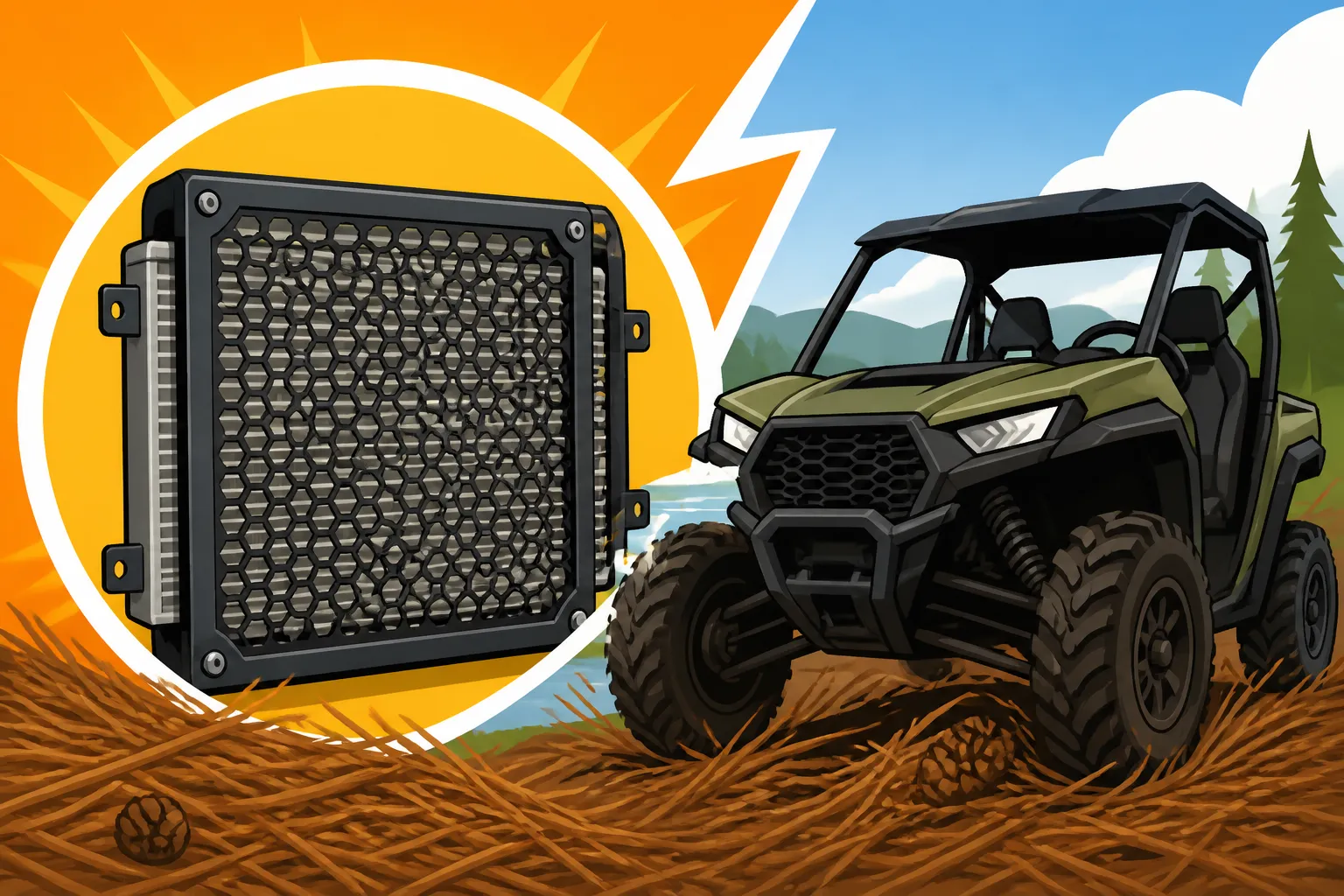
A radiator screen is a barrier installed in front of the radiator to catch some debris before it reaches the radiator fins. Depending on the design, it may be a fixed mesh, a removable guard, or a screen that slides out for cleaning. The key practical benefit is that debris may collect on a surface that is easier to inspect and clear than the radiator fins.
A screen is not a substitute for radiator care. It cannot stop every fine particle, and it does not protect the radiator from every branch, rock, or impact. If mud or pine straw packs onto the screen, airflow can still be reduced. In that situation, the screen needs attention just as the radiator would.
There is also a tradeoff: a screen that is too restrictive, dirty, or poorly fitted can interfere with airflow. Follow the machine and screen makers’ instructions for fit and maintenance. Avoid modifying the guard or blocking openings in an effort to keep out every last needle. On a hot, slow ride, keeping air moving through the radiator matters as much as keeping debris out.
When Mississippi trail conditions increase the risk
The amount of debris on a trail can change with recent weather, traffic, and seasonal conditions. Dry trails may kick up dust and loose material; after rain, wet leaves and mud can cling to a screen. Before loading up, check the specific riding area’s access information and conditions. Guidance in Mississippi Trail Conditions After Rain and Mississippi National Forest Riding Explained can help you think through why a route that was easy last time may require a different preparation today.
A trail map can help you plan where to ride, but it cannot tell you exactly how much debris is covering your radiator at any given moment. A tool such as onX Offroad can help you review a route before you leave, while a quick inspection at the trailhead and during breaks tells you what is happening on the machine itself. Planning and hands-on checks solve different problems; neither replaces the other.
Trail width and the type of machine allowed matter, too. For instance, the riding experience on a narrower trail differs from a broad route where a side-by-side has room to maneuver. Check the rules and dimensions for the area you plan to visit, including Bethel OHV Trails in Mississippi, rather than assuming every machine or accessory is suitable for every trail.
Choosing and Fitting a Radiator Screen
Compare practical features before buying
The best screen is not necessarily the one with the smallest openings or the most imposing-looking guard. Consider whether it fits your exact machine, how easily it can be removed for cleaning, whether it leaves the radiator’s airflow path open, and whether the mounting method is appropriate for the model. Check the product instructions and your owner’s manual before installation.
| Feature | Why it matters | What to check |
|---|---|---|
| Machine fit | A loose or mismatched screen may leave gaps or shift during a ride | Confirm the make, model, and model year |
| Mesh opening | Smaller openings may catch more debris but can collect dirt faster | Follow the maker’s guidance and check airflow needs |
| Access for cleaning | A screen you can remove easily is simpler to inspect on a trail | Look for a secure, straightforward release or fastening method |
| Mounting method | Poor installation can let the screen rattle, rub, or block an opening | Check clearance and attachment points |
| Material and construction | Trail use can expose the screen to vibration, moisture, and debris | Review the maker’s care and inspection instructions |
A screen should sit securely without touching the radiator core or interfering with nearby parts. The radiator fins are delicate, and a guard that rubs against them can create its own problem. If the installation instructions are unclear, or the screen does not fit as expected, stop and get qualified help rather than forcing it into place.
Do not judge the screen solely by whether it looks clean after installation. Its job is to catch debris, so a layer of needles or dust can be a sign that it is doing something useful—but it also means airflow may be reduced until the screen is cleaned. Make inspection part of your ride routine, particularly if you expect to pass through pine litter or muddy sections.
Install it with airflow and access in mind
Start with the machine parked on stable ground and switched off. Let hot components cool before reaching near the radiator or fan. Keep hands, tools, and clothing clear of moving parts, and follow the manufacturer’s instructions for accessing the radiator area. If removing body panels is needed, use the correct procedure for your model.
Before fitting the screen, check for existing damage, packed debris, or bent fins. A screen cannot correct a cooling problem that is already present. Fit it using the intended mounting points, then make sure it is secure and does not obstruct openings or contact the radiator. Recheck the installation after the first short ride, since vibration can reveal a loose fastener or poor fit.
If you carry tools or spare gear, include what you need to inspect and clean the screen safely. Avoid reaching into a hot or running machine. A practical habit is to look over the front cooling area when you stop for water or a trail break, rather than waiting until a temperature warning appears.
Cleaning and Checking the Screen on the Trail
A simple inspection routine
Before setting off, check the radiator area for loose needles, leaves, mud, or visible damage. Make sure the screen is secure and that there is no obvious buildup from a previous ride. If the machine has a temperature display or warning indicator, know where to find it and what the owner’s manual says it means.
During the ride, stop for a visual check after a stretch with heavy pine litter, thick grass, or sticky mud. Inspect more often if the weather is hot, the pace is slow, or you are working the machine through difficult terrain. A short pause to clear debris is far less frustrating than discovering a temperature warning far from the trailhead.
Use a routine that suits your route rather than relying on a fixed distance between checks. A short, debris-heavy loop may call for more frequent inspections than a longer ride on a clear route. If onX Offroad helps you plan a ride with several trail sections, treat each stop or change in terrain as a natural opportunity to check the machine. The map can support your planning; the screen still needs a physical inspection.
Clear debris without damaging the radiator
If the screen is removable, follow its instructions and take it out carefully. Brush or wipe away loose material without pushing it through the mesh onto the radiator. For stuck mud, use the cleaning method recommended for your machine and screen. Avoid scraping with sharp tools, which can damage the screen or nearby radiator fins.
A pressure washer used too close to the radiator can bend delicate fins or force debris deeper into the cooling area. If you use water, keep the nozzle at a safe distance and follow the manufacturer’s cleaning guidance. Don’t assume that a screen looks clear from the front: check the surface and surrounding openings for packed debris, and look for material trapped between the screen and radiator.
When you’re done, reinstall the screen securely and make sure nothing has been left loose in the radiator area. Check for bent mesh, cracked mounts, or rubbing. If the radiator itself is damaged or heavily clogged, do not treat a screen cleaning as a complete fix. For broader cleaning advice, see Washing Sand Out of a Southern Machine and Mississippi Mud and What It Does to a Machine.
Recognize a possible cooling problem
A rising temperature reading, warning light, steam, unusual smell, or sudden change in how the machine runs can signal a problem. The exact signs and warning procedures vary by machine, so read the owner’s manual before a ride. If a warning appears, stop somewhere safe, switch off the machine as directed, and allow it to cool before inspecting it. Never remove a hot radiator cap.
Once it is safe, check whether the screen is packed with debris and whether the radiator area is visibly obstructed. Clearing the screen may help if blockage is the cause, but don’t assume that it resolves every overheating issue. Low coolant, a mechanical fault, or radiator damage may also need attention. If the warning returns or you cannot identify the cause, end the ride and seek qualified service.
If you ride with others, tell the group when you need to stop rather than trying to keep pace while a warning is active. Trail etiquette includes looking after your machine without creating pressure for someone else to take a risk. Mississippi Trail Etiquette Locals Expect offers useful context for riding considerately, while Mississippi Trail Closures After a Storm is a reminder to check access conditions before heading out.
Build a Cooling Check Into Your Ride Plan
Before you load the machine
Start with the owner’s manual and the screen maker’s fit and maintenance instructions. Confirm the guard is intended for your model, then inspect the radiator area for damage or old debris. If you are heading into pine woods, bring a soft brush or other cleaning supplies recommended for your setup, along with drinking water and basic tools appropriate for the machine.
Think about the route, conditions, and pace you expect. A slow, muddy ride can place different demands on the cooling system than a quicker run on a clean trail. Check the riding area’s rules, hours, and conditions before departure; those details can change, and access should never be assumed. onX Offroad may be useful for reviewing a route, but confirm trail access through the relevant land manager or riding area as well.
A little preparation also means knowing when to turn around. If the trail is unexpectedly clogged with debris, the machine’s temperature is climbing, or the screen requires more cleaning than you can safely do, stopping is a sensible choice. A ride is not improved by pushing a machine past a warning just to finish a planned loop.
After the ride
Once the machine is cool, clean the screen and inspect the radiator area. Look for bent fins, loose fasteners, damaged mesh, and debris that got past the guard. If you rode through mud or standing water, check the other areas of the machine that may need cleaning or inspection according to the owner’s manual.
Keep a simple note of recurring issues. If the screen repeatedly clogs on a particular trail or in certain conditions, you can plan more frequent checks next time, choose a different route, or ask a dealer or qualified mechanic whether the setup is appropriate. A pattern is more useful than a vague memory of one hot afternoon.
Finally, avoid storing the machine with wet debris packed against the screen. Cleaning after the ride makes the next pre-ride inspection easier and helps you notice damage before you return to the trail. For more on preparing for humid conditions and keeping gear in order, see Packing for Southern Humidity.
Disclaimer
This article is for general informational purposes only and does not constitute professional advice. Laws, prices and regulations vary by location and change over time. Consult a qualified professional for guidance on your specific situation.